Userdoc Image Context: AI That Sees Your Designs
By Chris Rickard · December 9th, 2025
✨ Summarize & explore this article with AI: ChatGPT
 Perplexity
 Gemini
 Claude
 Grok
Grok
When we communicate how software works, we've always used both words and images. Today, we're excited to announce that Userdoc's AI can now understand the visual world too.
See it in action
What you can do with Image Context
Userdoc Image Context gives you powerful new ways to capture requirements:
- Upload images. Quickly create requirements from any uploaded image.
- Screenshot existing software. Easily capture screens from live applications.
- Sketch and draw. Create mockups and designs right inside Userdoc.
- Connect Figma. Integrate your Figma designs for instant AI understanding.
Visualize your ideas
Sketch out your vision directly in Userdoc, and let AI transform your rough drawings into detailed requirements.
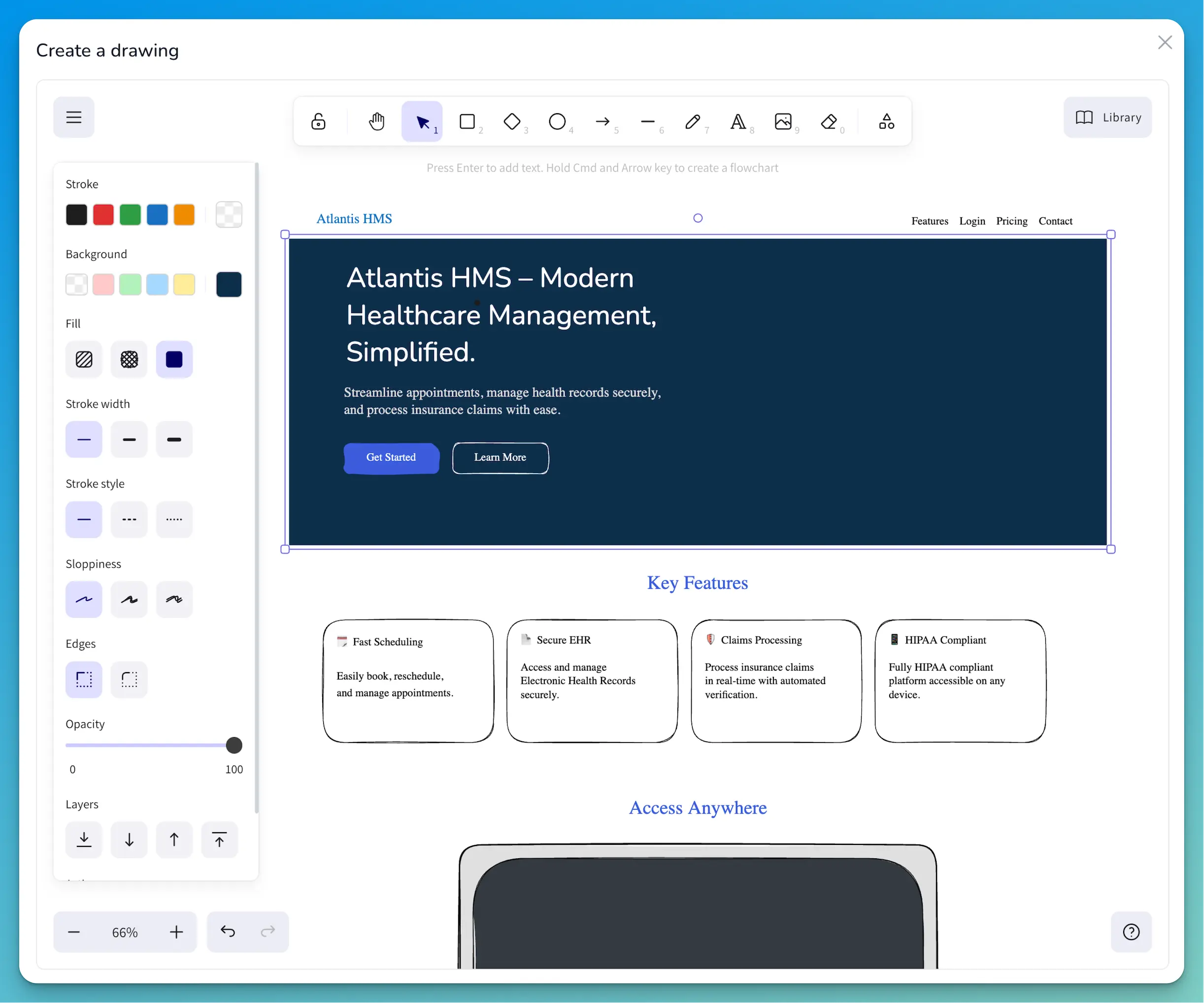
From your basic sketch, Userdoc's AI can help generates detailed requirements. Acceptance criteria, test cases, technical notes - all from your wireframe.
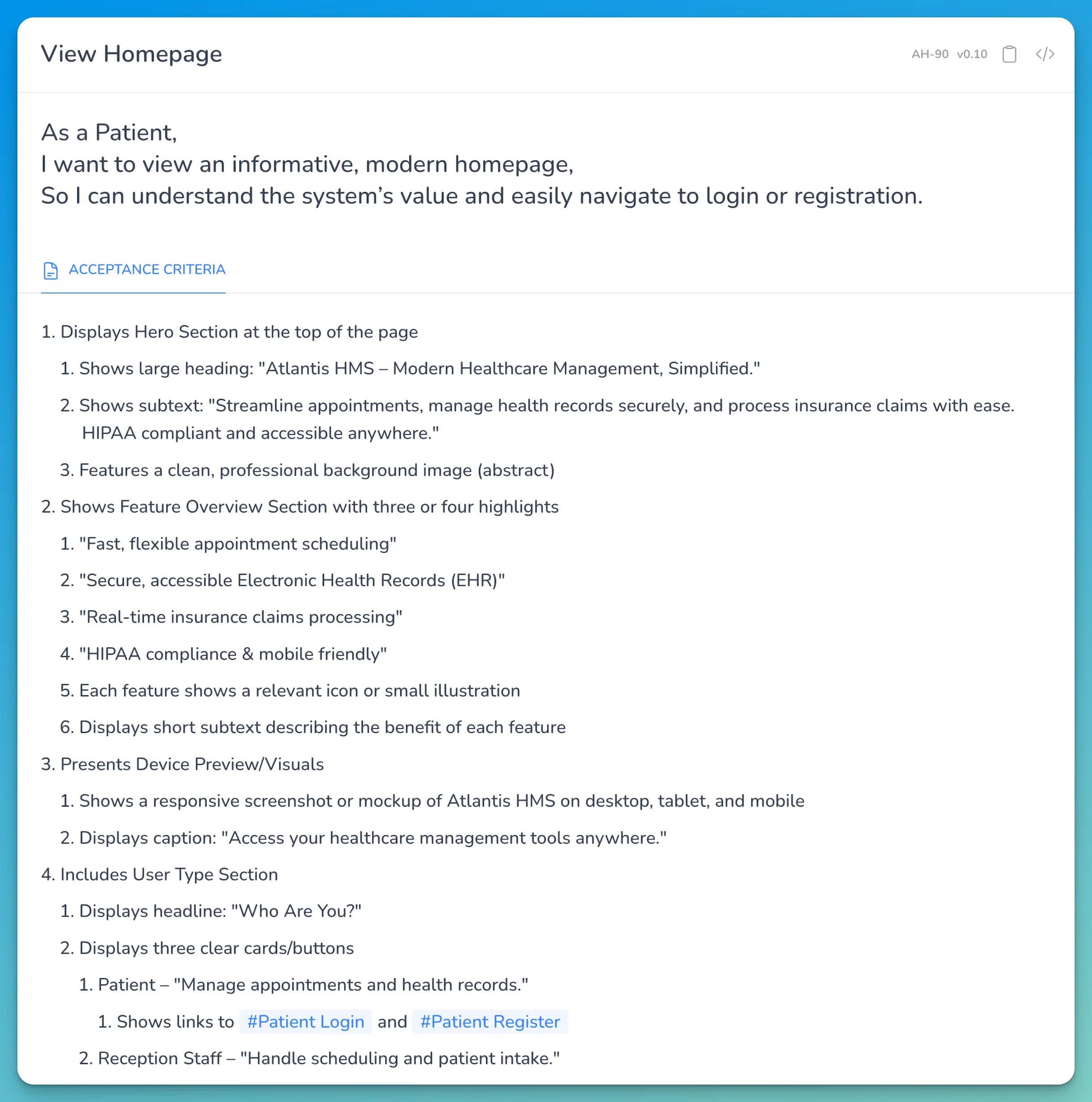
Perfect for legacy system rebuilds
If you have access to the source code, Userdoc can generate documentation directly from your codebase. But if you don't have the code? That's where Image Context shines.
Simply take screenshots of the running application, and let Userdoc create the specifications for you.
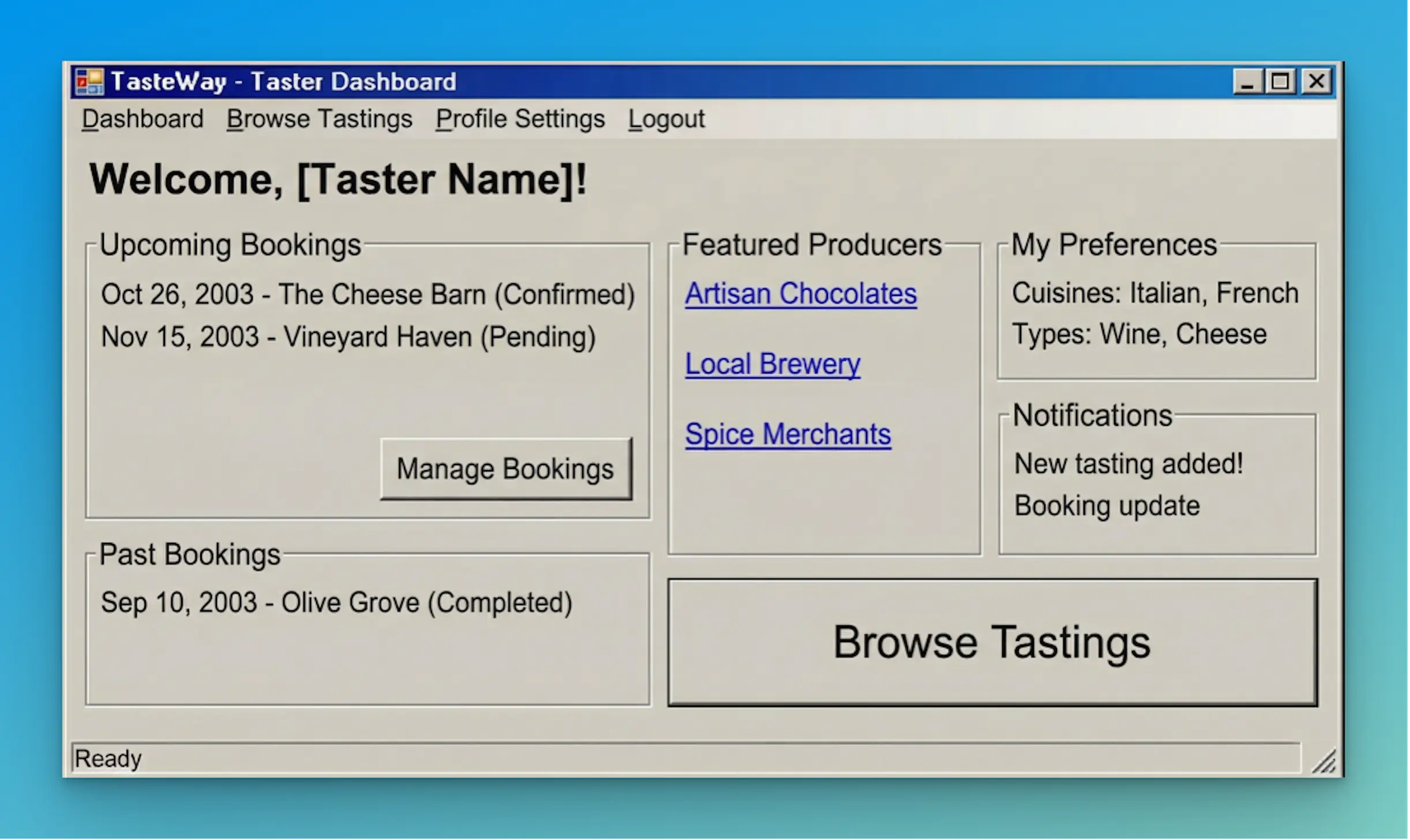
So whether you need to reverse-engineer software requirements from screenshots, or plan new software feqtures from the UI - we built Userdoc to bridge the gap between what teams envision and what gets built. With Image Context, that bridge just got a whole lot shorter.
Give it a try today - connect your Figma account, screenshot that legacy system you've been meaning to document, or sketch out your next feature idea.
✨ See it. Describe it. Build it. ✨
Try Userdoc Image Context free today.
Frequently Asked Questions
| Question | Answer |
|---|---|
| What image formats does Userdoc support? | Userdoc accepts common image formats including PNG, JPG, and WebP. You can upload images, take screenshots directly in the app, or connect your Figma account. |
| Can I use Image Context for existing software I don't have the code for? | Yes! Image Context is perfect for legacy systems where you only have access to the running application. Take screenshots and Userdoc will generate requirements from what it sees. |
| Does Image Context work with Figma? | Yes. Connect your Figma account to Userdoc and your designs are instantly available as context for generating requirements. |
| Where can I use Image Context in Userdoc? | Image Context is available in the New Project Wizard and anywhere you can generate with Additional Context, including User Stories, Non-functional requirements, User Personas, and User Journeys. |